
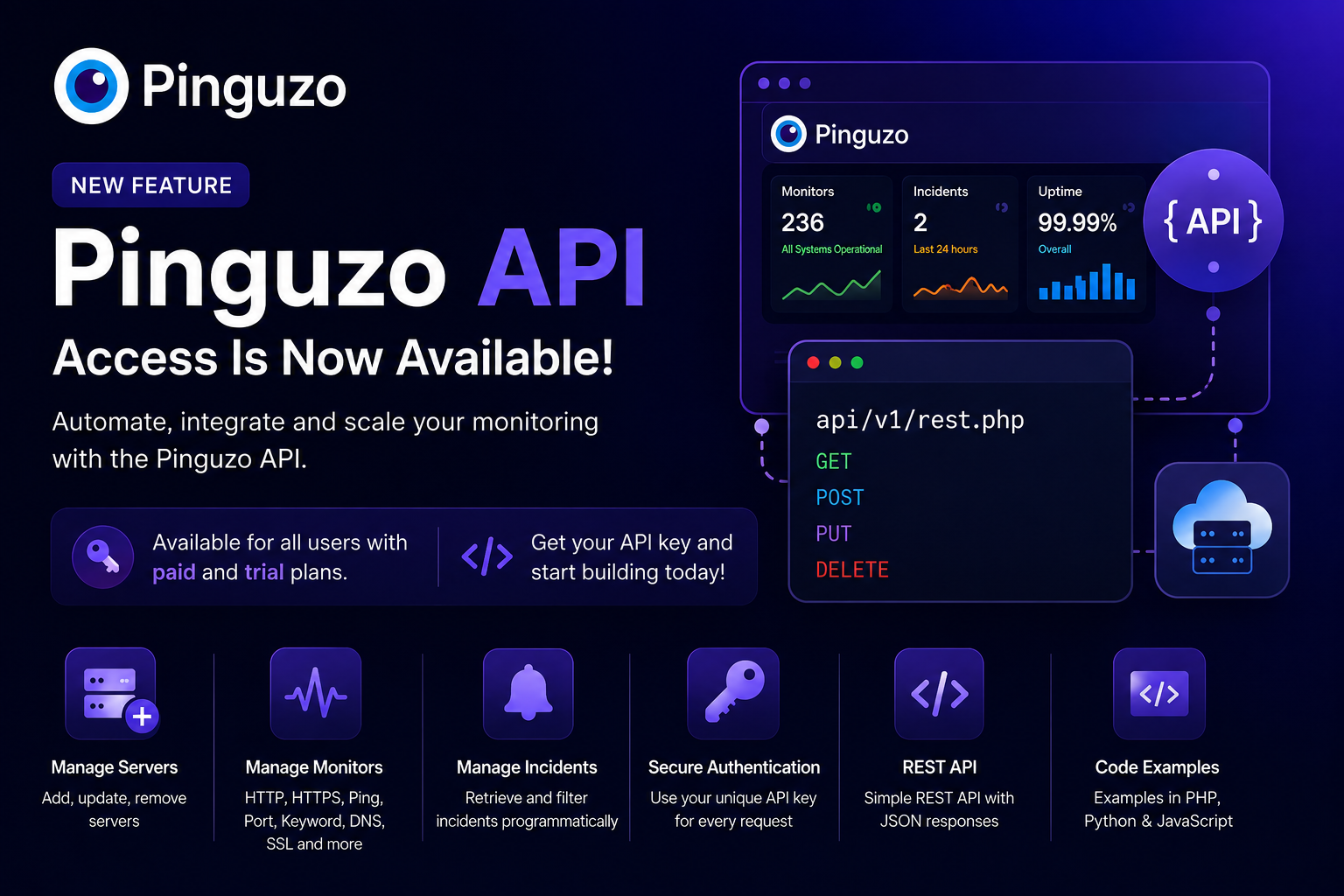

We’re excited to announce API access for Pinguzo, making it easier to integrate Pinguzo monitoring into your own applications, workflows, and automation.
API access is available to users on paid and trial plans. Simply get your API key from the Pinguzo dashboard and start managing your monitoring setup programmatically.
What You Can Do With the Pinguzo API
🖥️ Manage Servers
Add, view, update, and remove monitored servers programmatically using the API.
📡 Manage Monitors
Create and manage uptime monitors through the API, including HTTP, HTTPS, Ping, Port, Keyword, DNS, and SSL monitors.
🚨 Manage Incidents
Retrieve and filter your Pinguzo incidents programmatically, making it easier to integrate incident data with your own dashboards and workflows.
🔑 Secure API Authentication
Every API request is authenticated using your unique API key. API keys can also be regenerated from the Pinguzo dashboard if required.
⚡ REST API with JSON Responses
Pinguzo provides a simple REST API with consistent JSON success and error responses, making integration straightforward across different languages and platforms.
🧩 Ready-to-Use Code Examples
The API documentation includes examples for PHP, Python, and JavaScript to help you get started quickly.
Get Started
Log in to your Pinguzo dashboard, open API from the sidebar, and copy your API key to start integrating.
Check out the Pinguzo API Documentation for the complete API reference and examples.
Manage bulk servers/monitors with Pinguzo API. 🚀
Regards,
Pinguzo Team